
Open Video Mode
Open Video mode from the app or website. This is your starting point for creating the mech battle clip.
iOS App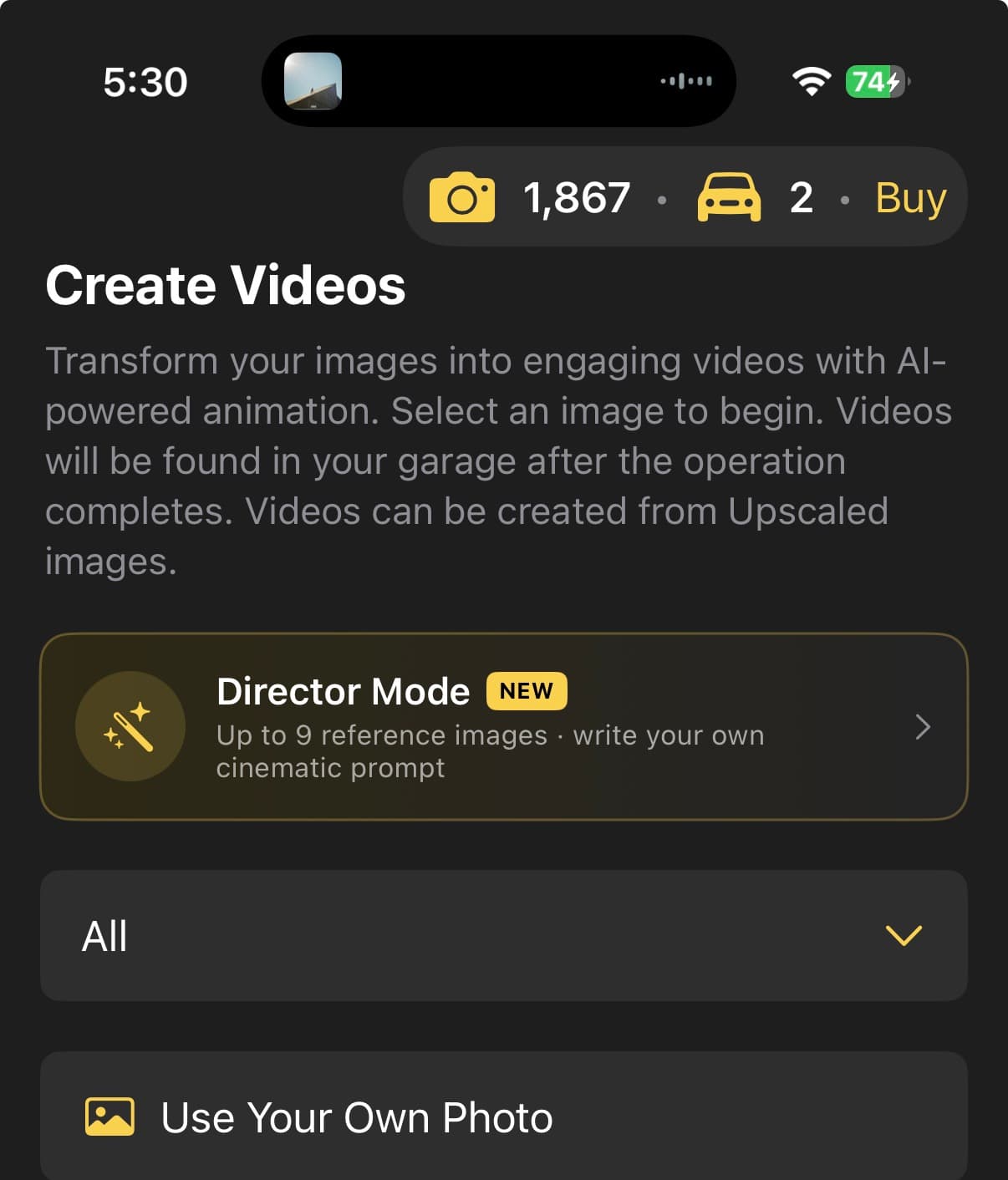
Web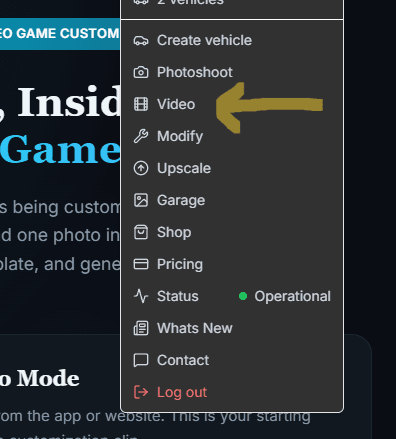
Make your car violently transform into a heroic mech in a dusty Jakarta parking lot — then watch it counter an enemy mech's ambush. Upload one photo in Director mode, pick the template, and generate.
Open Video mode from the app or website. This is your starting point for creating the mech battle clip.
Change the video mode to Director. This unlocks the template library and the cinematic, scripted shots.
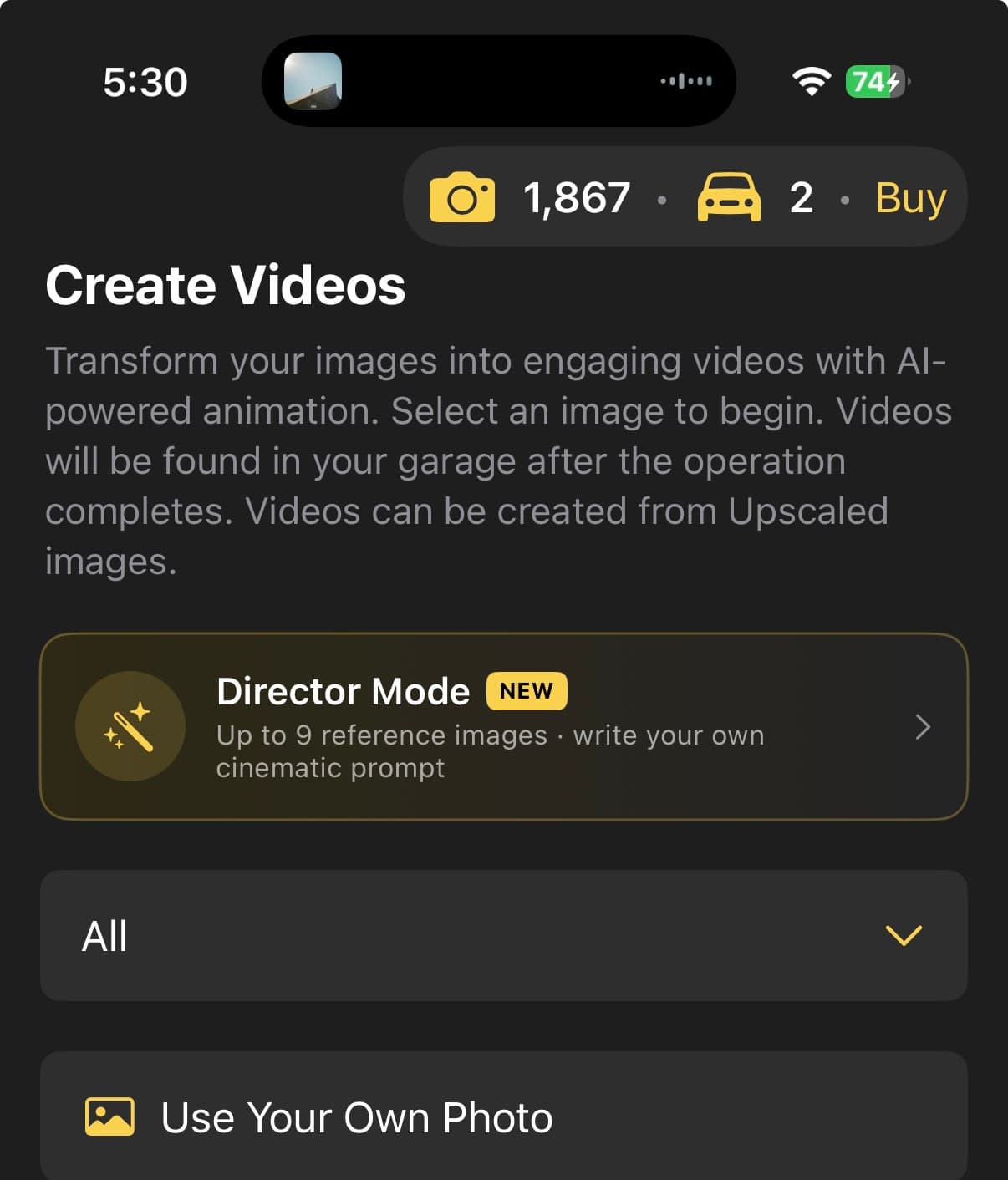
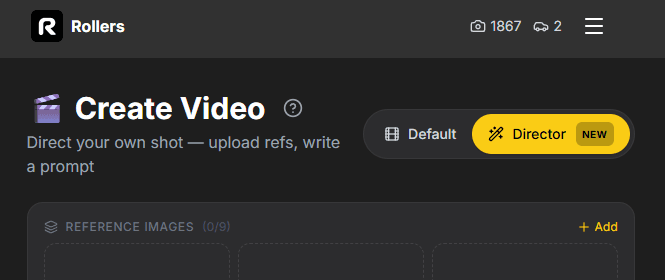
Upload one clear photo of your vehicle. The mech inherits the silhouette, proportions, and color palette of the original car — so a fully-visible, well-lit shot produces the best transformation.
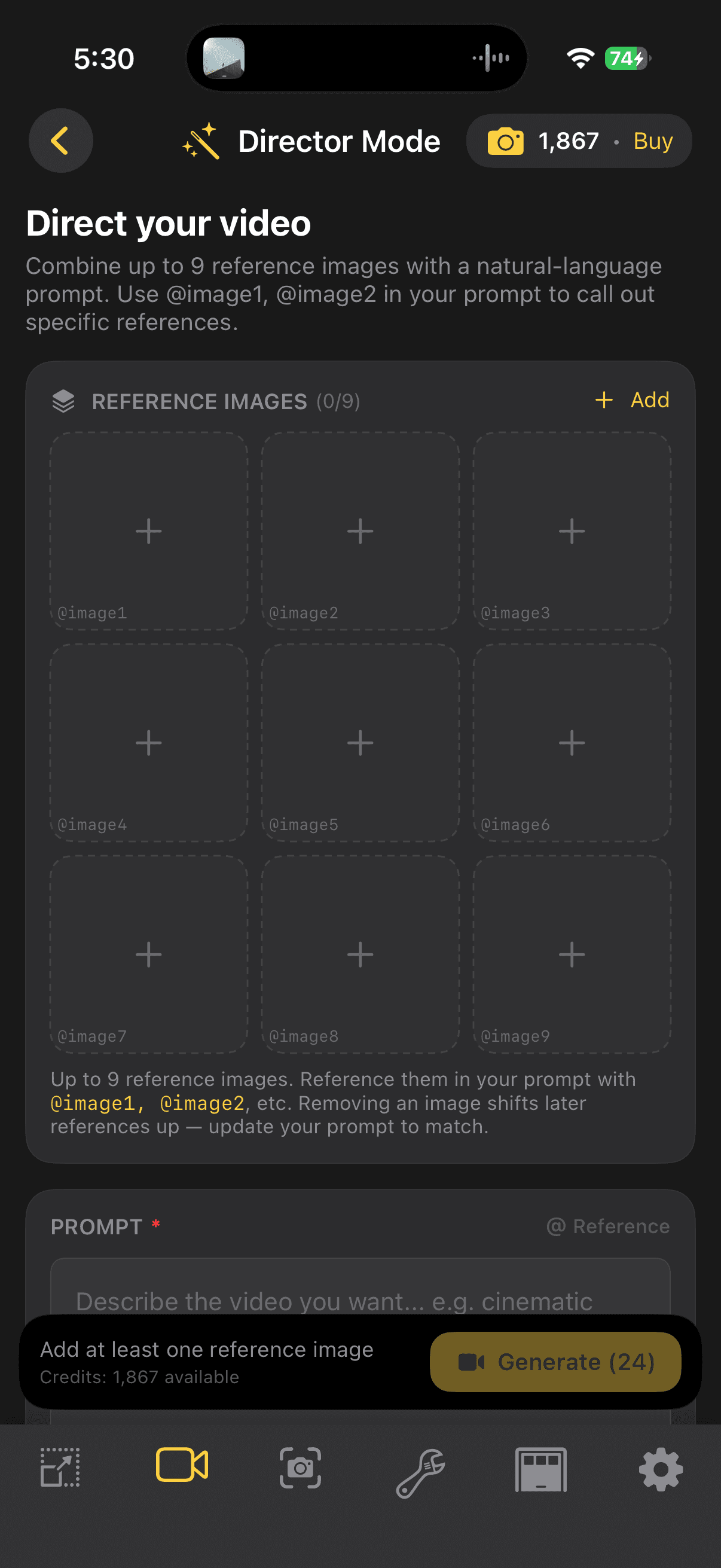
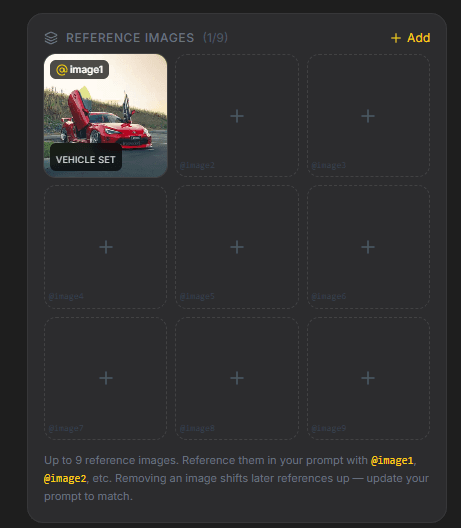
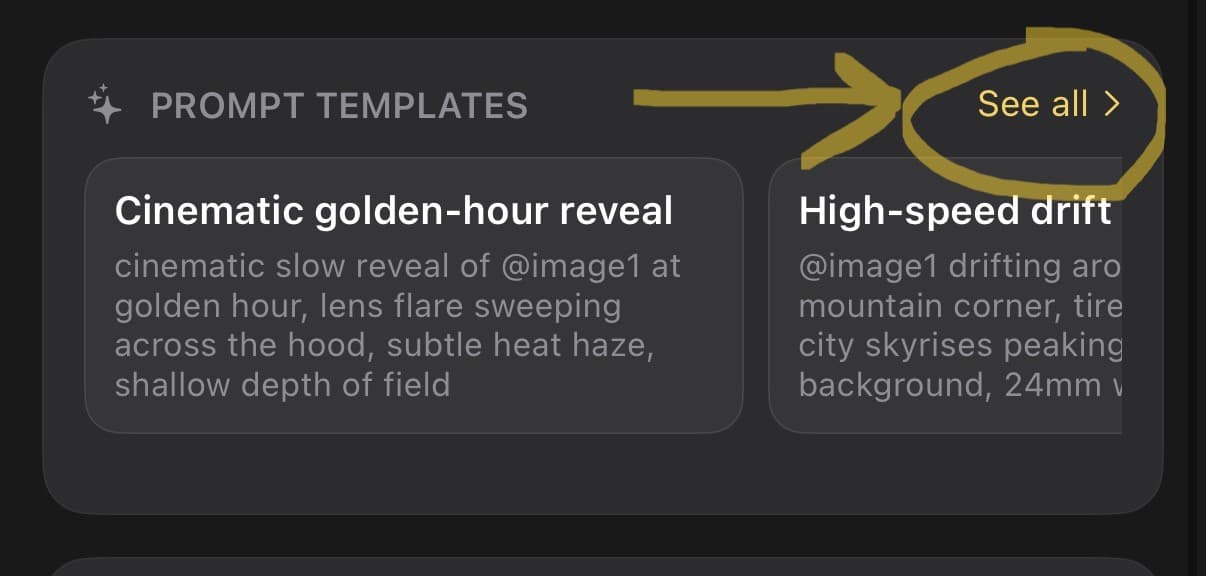
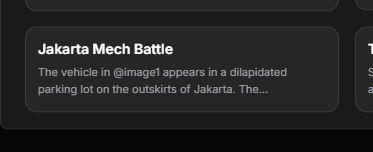
Open the templates and select the Jakarta Mech Battle template. The template auto-fills every camera move, transformation beat, and combat prompt for you.
Hit Generate and wait a few minutes while the video renders. Download the result and post it.
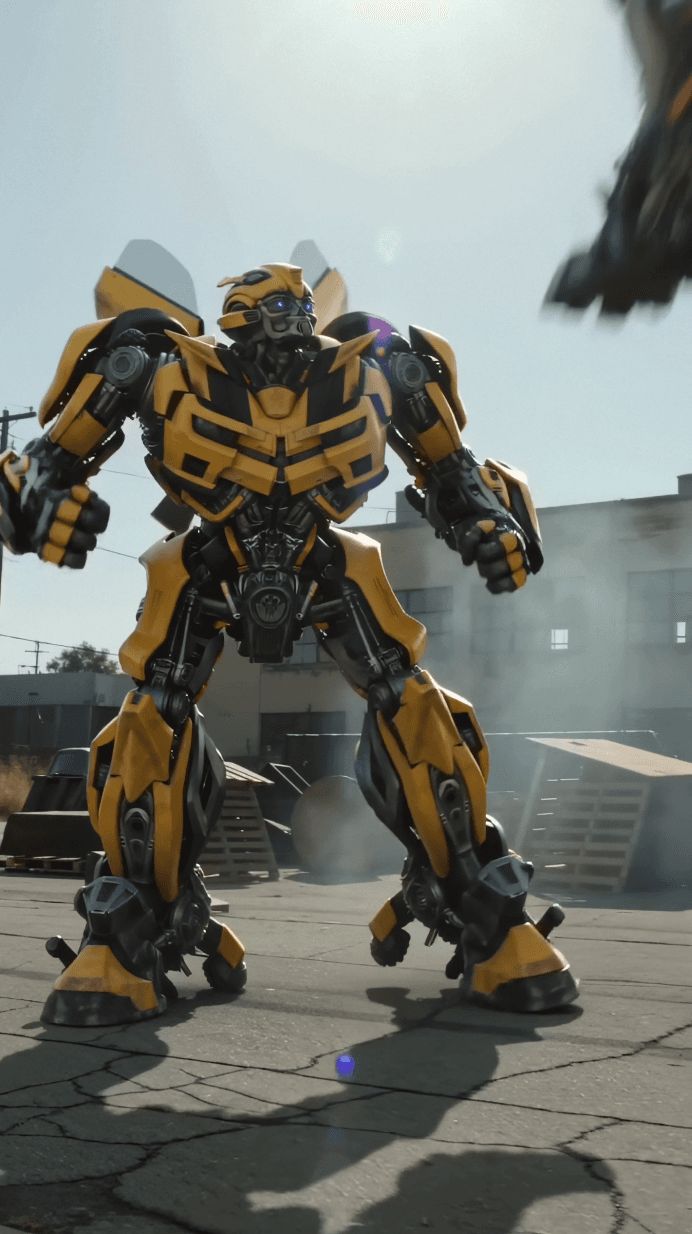
Open Director mode, upload your car, pick the template, and let it render.
Explore other ways to create with Rollers.